
Feedback as you play and when you finish
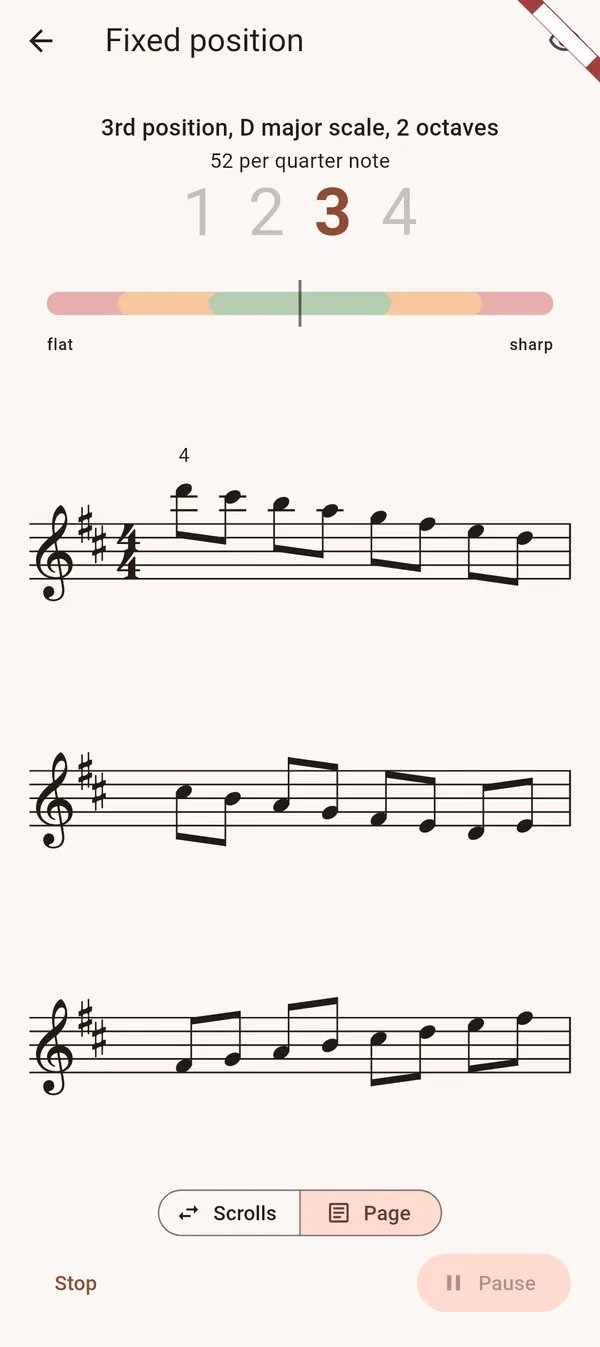
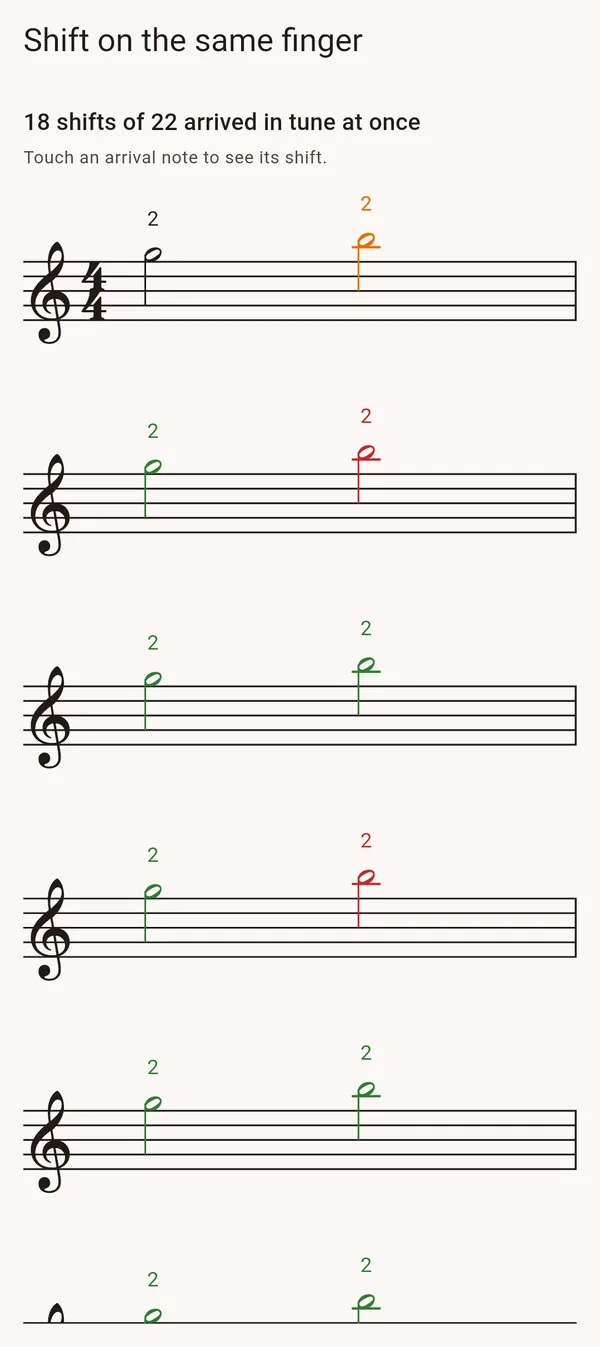
As you play, the gauge shows how sharp or flat you are. Afterwards, the notes on the score appear in green, orange or red to show their accuracy. Tap a note to see the pitch difference in cents and whether you corrected it.
Tuning references for violin playing
On the violin, tuning also depends on context. Two notes played together need to blend, while notes in a melody may be adjusted slightly by ear. Avilo accounts for these differences in its exercises.
- Double stops: feedback on how the two notes tune together
- Scales: room for small pitch adjustments made by ear
- Your own scores: note by note, with the same rules
Room to learn, with higher standards as you improve
Avilo allows a pitch difference of ±30 cents for beginners, ±18 for intermediate players and ±12 for advanced players. These settings draw on published research into violin intonation. To pass a set, you need 70%, 75% or 80% of the notes in tune, depending on your level.
Exercises built for intonation
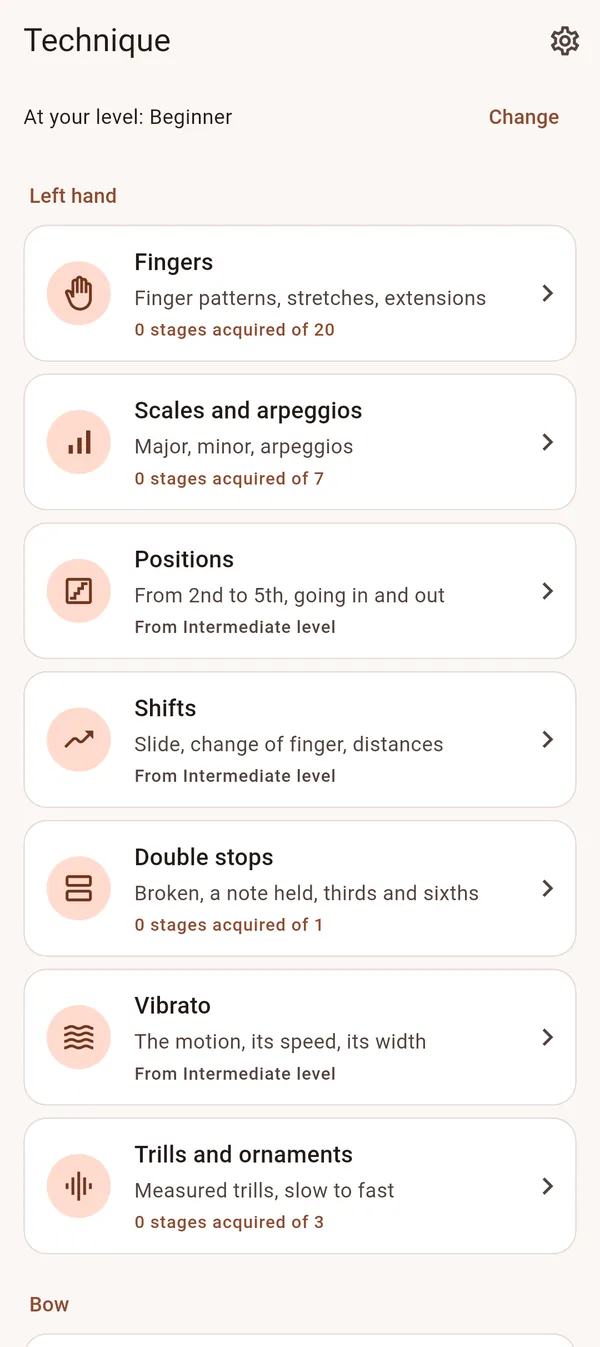
- Finger patterns: where the half steps fall, string by string
- Each finger alone first, then the half steps, the extensions and the low first finger
- Scales in the keys you know, then in positions
- Thirds, sixths and octaves, broken then held
Read the guide: How to improve your violin intonation
Questions
How do I check my violin intonation?
With a tuner, one note at a time, or with an app that listens to the whole passage. Avilo shows each note's distance in cents while you play and colours the score after the set, so you see which notes are out of tune, and with which fingers.
Why is my violin intonation so bad?
Mostly because the hand has not yet learnt where the fingers go in each key and each position. It is learnt by slow practice of finger patterns and scales, checking each note with your ear, the open strings, a teacher or an app.
Should violinists practise with a tuner?
A tuner is useful for checking a single note. In scales and melodies, listen to how the notes relate and how the open strings resonate. Avilo adds feedback on each note, with accuracy targets suited to your level.